
Processing is an open-source programming and integrated development environment that was build on the Java programming that has been easy to learn by people who have limited technical backgrounds. It is used by people from from a range of fields, such as art, music, journalism, and data visualization.
The fact that Processing is easy to use makes it great for people with just a little bit of coding knowledge to adopt a variety of open-source applications and tweak a few of the variables to according to the need. Using the Drawing with Sounds app as an example, I wanted to change the size of the interactive canvas. By typing in a few keystrokes, I changed the original size of the screen from 800 x 800 to something larger, as shown below:
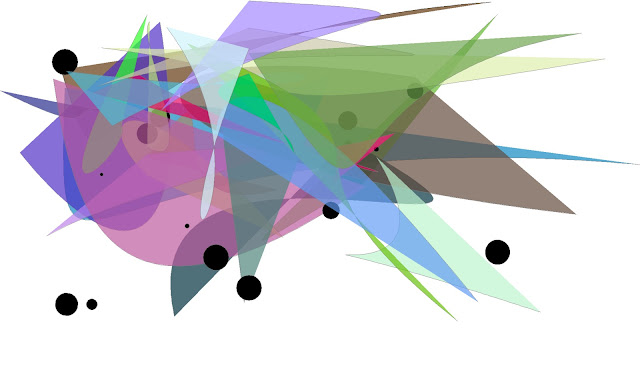
I then typed in another variable for the background color, and was pleased with the results:
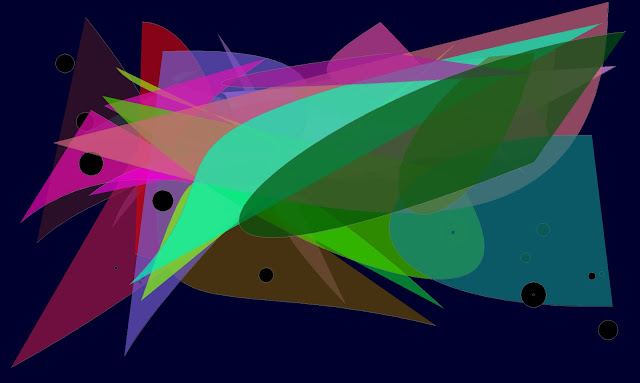
The application was developed from Andrew R. Brown's tutorial on "SoundCipher", based on the SoundCipher library for Processing. According to the description of the application, "The sketch is intended for use....as a sensory stimulus using sound, shape and color to create engagement".
Below is a videoclip created by Keith Manville, demonstrating what happens when you interact with Drawing with Sounds:
I look forward to sharing more on this topic in future blog posts. I'll be sure to include basic "how-to" information for my "low-tech" readers and colleagues who desire to learn a bit more about using and creating basic interactive applications that appeal to young people with special needs.
Note: SEN is the UK acronym for "Special Educational Needs"
James Winchester, SEN Classroom Blog, 10/31/13
Keith Manville, opensen blog, 10/27/12
"Open-source, Sensory and Interactive Technology in SEN"
(An accessible switch-enabled version of Drawing with Sounds can be downloaded from the above link.)
Free sensory applications built in Processing 1.5.1"Download links for sensory applications built in Processing 1.5.1, designed to assist SEN students in engaging in learning through the the use of ICT, interactive “Smart” boards, touchscreen or tablet technologies. Our experience is that using applications on these devices or with natural user interfaces such as the Microsoft Kinect can increase the opportunities for engagement and social communication with many students."
The SHAPE Project, technologies to enhance learning for young people on the Autism Spectrum
iPadSEN
KinectSEN Wiki
"Using Kinect in Special Schools for Pupils with Severe Learning Difficulties"
iGazeSEN
OPENSEN Videos
I will be posting more information about emerging interactive technologies for special needs in the future. In the meantime, take a look at the following resources:
iPadSEN
KinectSEN Wiki
"Using Kinect in Special Schools for Pupils with Severe Learning Difficulties"
iGazeSEN
OPENSEN Videos


